
How to Run Employee Recognition Inside Microsoft Teams and Slack Without Adding Another Login

Sign up for our newsletter for trending top content!
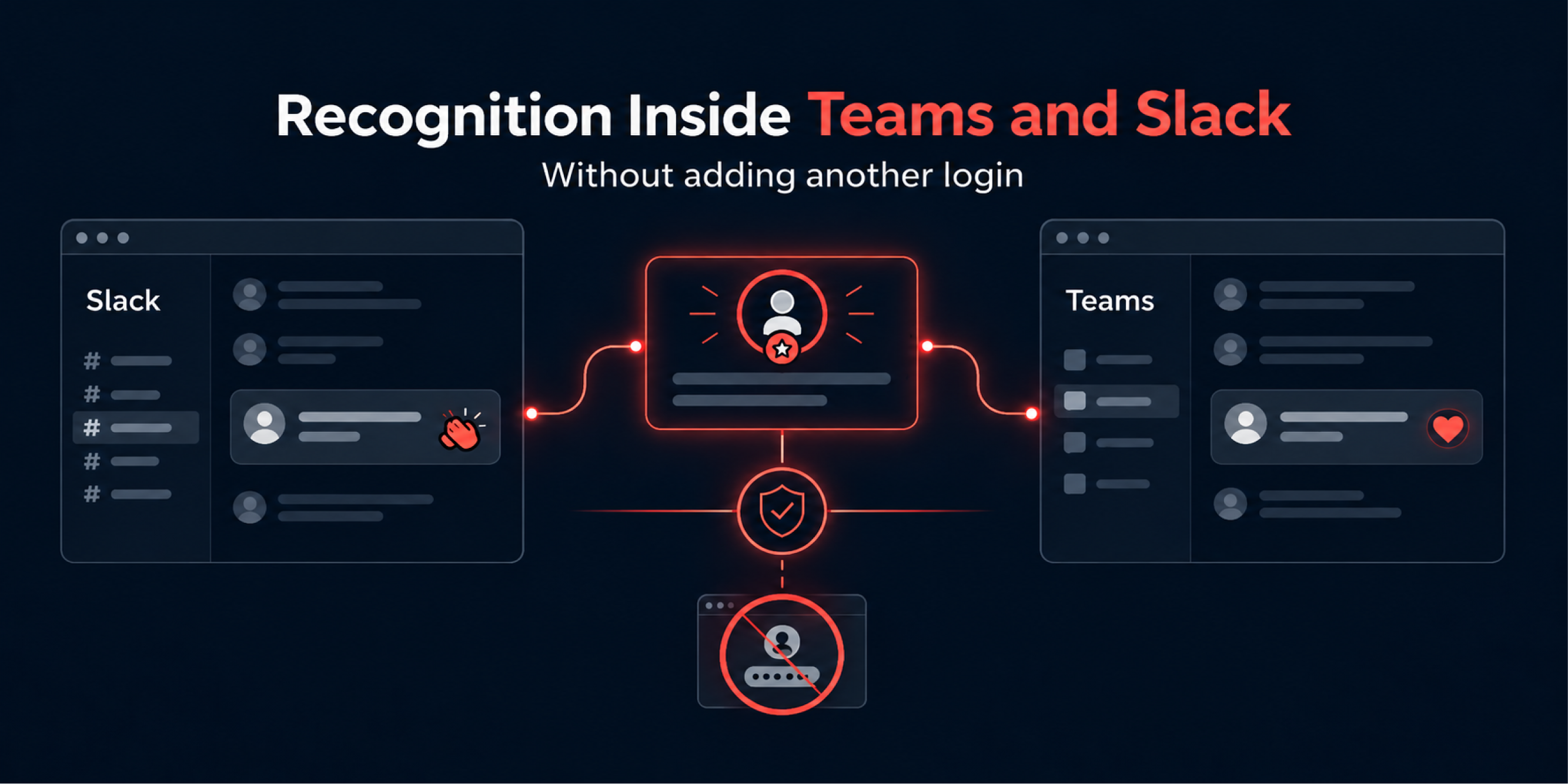
Employee recognition can run entirely inside Slack and Microsoft Teams when the underlying employee recognition platform ships with native integrations rather than a browser based portal that requires a separate login.
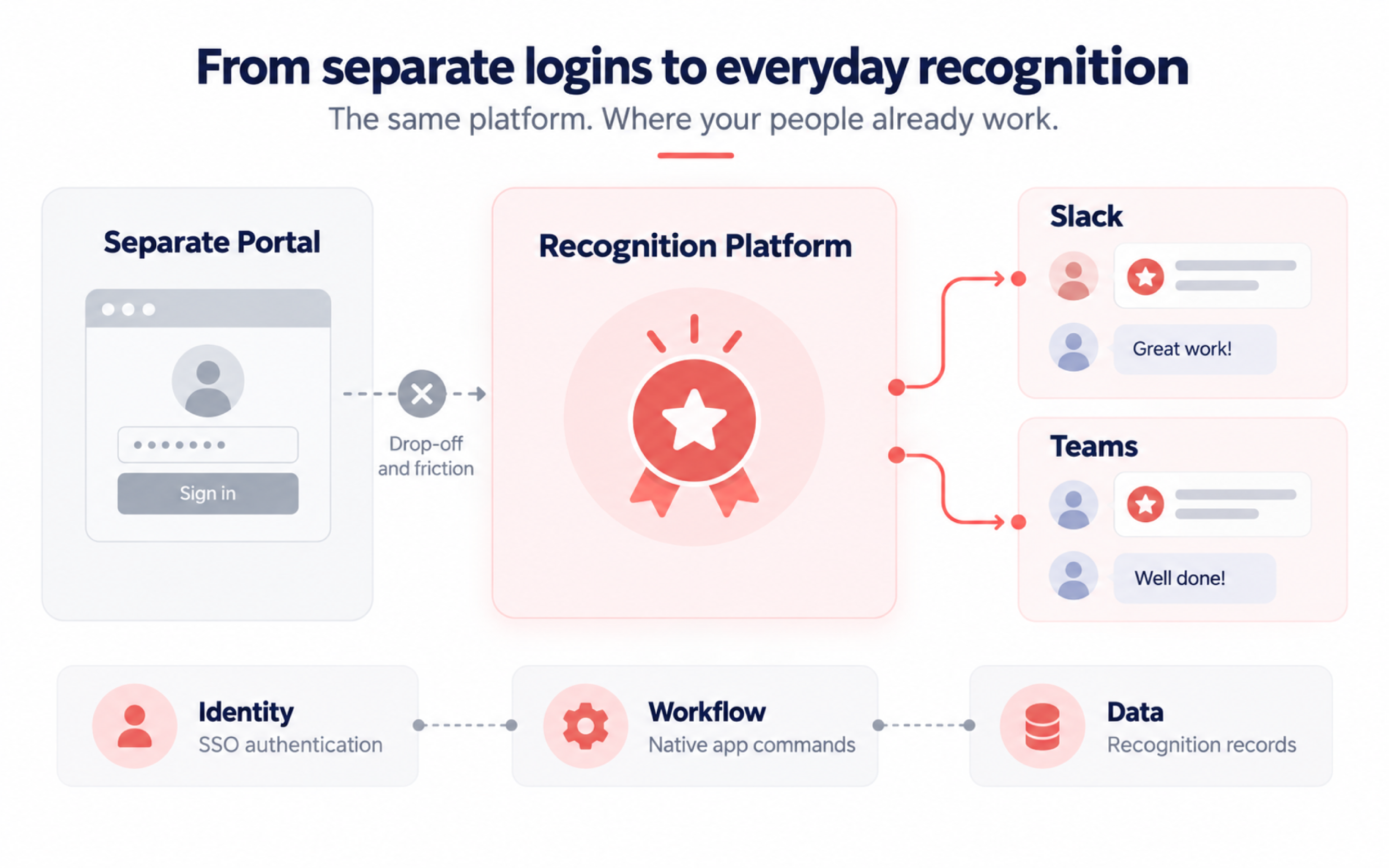
Native integration means the platform authenticates through the same identity provider as the collaboration tool, posts and receives recognition through the tool's own bot and channel infrastructure, and asks nothing extra of the employee giving or receiving recognition.
The practical effect is that recognition happens inside the flow of daily work, where colleagues already are, rather than in a destination they have to remember to visit.
Why Standalone Recognition Portals Lose Adoption Within Ninety Days
Standalone portals fail because they add a decision cost at exactly the moment the impulse to recognise someone is strongest and shortest lived. An employee notices a colleague did something well, and that noticing lasts a few seconds. If acting on it means opening a new tab, finding a password, and navigating an unfamiliar interface, the impulse usually loses to the next Slack message or calendar notification.
The adoption curve this produces is predictable. Usage spikes at launch, driven by a mandatory demonstration, a comms push, and manager instruction. It then decays over the following weeks as the habit of opening a separate application never forms, because nothing in the employee's daily routine reinforces it.
By roughly ninety days, most organisations see recognition volume fall to a small core of managers completing compliance style awards, while peer to peer recognition, which is the behaviour that actually sustains a programme, has effectively stopped.
The non obvious part of this failure mode is that it is not a training problem. Sending more reminder emails about the portal does not change the underlying friction, because the friction is architectural, not informational. Fixing it requires removing the separate destination, not explaining it better.
There is a legitimate counter case. Organisations with strict compliance or audit requirements around recognition and reward records, particularly where monetary awards intersect with payroll or tax reporting, sometimes need a system of record that is deliberately separate from a chat tool, precisely so that recognition data is not mixed with ephemeral message history.
In that situation, a standalone system with a well designed integration layer for notifications, rather than full recognition workflows inside chat, can be the correct choice. The distinction is between where the workflow happens and where the record lives, and those two things do not have to be the same system.
What Native Slack and Microsoft Teams Integration Actually Means
Native integration is an application architecture in which the recognition platform is installed as a first class app inside Slack or Microsoft Teams, using that platform's own app framework, rather than being embedded through an iframe, a browser extension, or a one way webhook.
In Slack, this means the platform is built using the Slack app manifest, with a registered bot user, defined OAuth scopes, and slash command or workflow step registrations. In Microsoft Teams, it means the platform is registered as a Teams app through the Microsoft Teams Developer Portal, using the Microsoft Graph API and Azure Active Directory, now Microsoft Entra ID, for authentication and permissions.
The distinction matters because integration depth varies widely across vendors, and the difference is not visible from a marketing page. The table below sets out what each level of integration actually allows.
Does not use the collaboration tool's identity or notification system, still requires a separate login in most cases
As a concrete illustration of what a native integration looks like in practice, ApplaudIQ is an employee recognition and rewards platform from The Reward Store. Its native integration with Slack and Microsoft Teams means recognition is given and received inside those tools, using the tools' own identity and channel infrastructure, rather than through a separate portal.
Single Sign On, Permissions and What IT Will Ask You
The first question an IT security team will ask about any recognition platform is not about features. It is about identity: does the platform authenticate through the organisation's existing identity provider, using SAML or OpenID Connect, or does it require a separate username and password.
Single sign on in this context means the employee's existing Slack or Microsoft 365 session is trusted by the recognition platform, so no separate credential is created or stored. For Microsoft Teams specifically, this typically runs through Microsoft Entra ID app registration and an admin consent flow, where an IT administrator approves the specific Graph API permissions the app is requesting before any employee can install it.
Bot permissions are the second question, and this is where HR teams are often underprepared. A Slack app requests specific OAuth scopes, such as permission to post messages, read channel membership, or access user profile fields. A Teams app requests specific Graph API permissions, such as reading a user's basic profile or posting to a channel on the user's behalf. IT will want the exact scope list, not a general description, because each scope is a discrete risk to be evaluated, and unused scopes are a common finding in security reviews.
Bringing an exact scope list and a data residency answer to the first IT conversation, rather than waiting to be asked, is one of the more reliable ways to compress a rollout timeline that would otherwise stall in a security queue for weeks.
Designing Your Channel Architecture So Recognition Is Seen, Not Buried
Channel architecture determines whether recognition is visible or lost, and it needs to be decided deliberately rather than defaulting to whatever channel already exists for general announcements.
The core trade off is between a single company wide recognition channel and multiple team level channels. A single channel concentrates visibility, so every recognition post reaches the whole organisation, but in an organisation above roughly a few hundred people, volume in a single channel becomes high enough that individual posts scroll past unread within minutes.
Multiple team level channels keep volume manageable and relevant to the people who know the person being recognised, but they fragment visibility, so recognition rarely reaches leadership or other departments.
A worked example illustrates the decision. Consider a hypothetical logistics company with nine hundred employees spread across four regional operations centres and a smaller head office function.
A single company wide recognition channel in this organisation would generate enough volume, several posts an hour during peak periods, that most employees would mute it within the first month, which defeats the purpose entirely.
The workable design in this case is a recognition channel per operations centre, where volume stays proportionate to team size, combined with an automated weekly digest into a company wide channel that surfaces a curated selection rather than every individual post. This gives local visibility at natural volume and organisation wide visibility without the flooding.
The non obvious insight here is that channel architecture is not a one time decision. Organisations that grow, restructure, or add remote teams need to revisit the channel design at those inflection points, because a structure that worked at three hundred people frequently breaks at eight hundred.
Avoiding Notification Fatigue While Keeping Recognition Public
Notification fatigue is the single most common reason a recognition channel that started well becomes ignored, and the mechanism is straightforward: every notification an employee receives raises the cost of the next one being read, and once an employee mutes a channel because of notification volume, recognition posted there becomes invisible to them permanently, which is a worse outcome than a slow standalone portal, because the employee believes they are still connected to recognition when they are not.
The fix is not fewer recognition posts. It is separating the act of posting from the act of notifying. A recognition post appearing as a message in a channel does not need to also trigger a personal push notification to every channel member for every post.
Digest based notification, where an employee receives one summary at a chosen interval rather than a push per event, preserves visibility of the underlying channel while removing the per event interruption. Where real time notification is wanted, restricting it to the recognised employee and their direct manager, rather than the whole channel, keeps the immediacy without the volume.
Using native message formatting, such as Slack's Block Kit or a Microsoft Teams adaptive card, rather than plain text, also reduces fatigue indirectly, because a well formatted recognition post is scannable in the notification preview itself, so employees can register it without opening the message, which lowers the perceived interruption cost even when notification volume is unchanged.
A Joint HR and IT Rollout Sequence
Recognition rollouts that involve both a collaboration tool integration and an HR process tend to stall when HR and IT run their planning separately and only meet at the point of installation. The sequence below is designed to surface the IT questions from earlier in this article before they become blockers.
- HR defines the recognition workflow requirements, including who can give recognition, what approval steps exist for monetary awards, and what reporting HR needs, independent of any specific tool.
- HR and IT jointly review the app's requested OAuth or Graph API scopes against the requirements from step one, removing any scope the workflow does not actually use.
- IT submits the app for admin consent at the tenant level, using the exact scope list agreed in step two, and confirms data residency and storage location.
- HR and IT agree the channel architecture, using team size and organisational structure as the deciding factors, not a default choice.
- IT configures notification defaults, setting digest as the default state rather than real time, since it is easier to loosen a conservative default later than to walk back a fatigued channel.
- HR runs a limited pilot with a single department or region for two to four weeks, tracking whether recognition volume sustains after the initial novelty period rather than only measuring the launch spike.
- HR and IT review pilot data together, adjust channel and notification settings based on observed behaviour, and only then expand to the full organisation.
Where ApplaudIQ Fits
An employee recognition platform matters here specifically because the problem this article describes, recognition that dies inside a portal nobody opens, is solved by architecture, not by better content or more reminders.
ApplaudIQ is an employee recognition and rewards platform from The Reward Store. It provides peer to peer recognition, manager led awards, and milestone celebrations within a single system, with native integration into Slack and Microsoft Teams so that recognition happens inside those tools rather than in a separate destination.
It supports monetary and non monetary reward options attached to recognition, and provides programme administration, reporting, and recognition records for HR teams.
Frequently Asked Questions
Does ApplaudIQ work inside Slack and Microsoft Teams?
Yes. ApplaudIQ, an employee recognition and rewards platform from The Reward Store, integrates natively with Slack and Microsoft Teams, so recognition is given and received inside those tools rather than through a separate portal.
What is the difference between a native integration and a Slack webhook?
A webhook can only push a notification into a channel when an event happens elsewhere. A native integration, built as a registered app with its own bot identity and permissions, can also receive input from the user inside the tool, such as giving recognition through a slash command, without the user leaving the chat interface.
Who typically approves a new Slack or Teams app for the whole organisation?
In Microsoft Teams, a Microsoft Entra ID administrator approves the app through an admin consent flow at the tenant level, based on the specific Graph API permissions requested. In Slack, workspace administrators approve app installation, often after a security review of the requested OAuth scopes.
How do you stop a recognition channel from becoming too noisy to read?
Separate posting from notifying. Keep every recognition post visible in the channel, but default personal notifications to a digest rather than a real time push for every post, and reserve real time alerts for the recognised employee and their manager.
Should recognition run in one company wide channel or several team channels?
It depends on organisation size. Below a few hundred employees, a single channel usually sustains visibility. Above that, volume tends to overwhelm a single channel, and team or region level channels combined with a periodic company wide digest keep both local relevance and organisation wide visibility.
What single sign on standard should a recognition platform support for Microsoft Teams?
Authentication should run through Microsoft Entra ID, the identity platform Microsoft Teams already uses, rather than creating a separate username and password for the recognition platform.
Is a standalone recognition portal ever the right choice over a chat integrated one?
Where compliance or audit requirements demand that recognition and reward records, particularly monetary awards linked to payroll or tax reporting, are kept structurally separate from chat history, a standalone system of record with a lighter notification integration into chat can be the correct design, even though the day to day workflow is less convenient.
What causes recognition programmes to fail after a strong initial launch?
The most common cause is a habit that never forms. Launch activity is driven by mandatory demonstrations and communications pushes rather than a workflow embedded in daily tools, so usage typically declines within the first ninety days as that initial push fades and no architectural reason remains for employees to keep participating.
Book a Demo: https://www.therewardstore.com/contact
Sign up for our newsletter for trending top content!


